 Memendo
What’s new
What changed in Memendo recently. The newest version is at the top.
2.4
The new Memendo
- Three tabs: Today, Notes and Plan. Today shows the week, the tasks that are due and the daily note.
- The quick task recognises day and time, deadlines (“until Friday”), repeats (“every Monday”), priorities (“!high”), durations and projects (“@Website”).
- In the editor, + inserts blocks and Aa formats text.
- Projects show with a ring how far along you are. Tasks can have attachments.
- On-device text recognition: search finds text in scans and PDFs.
- Memo works right inside a note, and one tap undoes it all. If you like, Memo files what you share straight into the right folder.
- Undo and redo in the editor toolbar.
- Search that finds it: better ranking, tags and archived notes, and “Muenchen” finds “München”.
- Save from any app: share links, articles and snippets; links become bookmark cards.
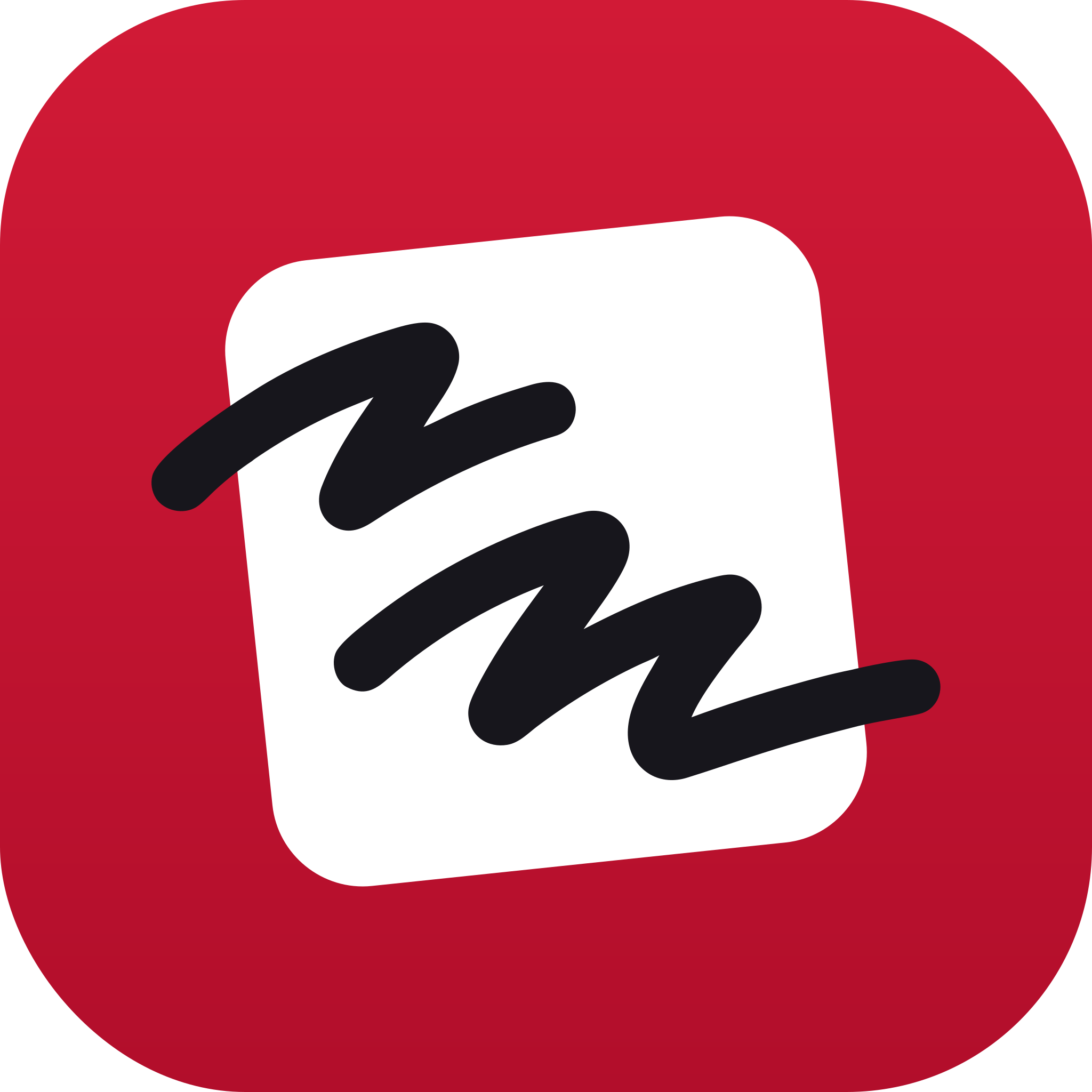
- A new app icon: the note card on cherry red.
2.3May 2026
A fresh look
- A new floating tab bar, refined dialogs and one design language across the app.
- Long-press for quick actions on cards, categories and files.
- A completely new icon set.
- Many smaller improvements and bug fixes.
2.2
Calendar, reimagined
- Day, week and month in the calendar. Drag tasks between days; tap a day to add a task there.
- Save places in notes, with category, rating, address and a small map preview.
- A calmer task dialog and a more precise editor.
2.1
Sharing and Android
- Share notes by email, to read or write along, with changes in real time.
- Memendo for Android.
- Memendo in the browser at app.memendo.co.
2.0
Welcome to Memendo 2.0
- A block editor with headings, images, tables, quotes and more.
- Memo, the AI assistant: summarise, rewrite, develop ideas.
- Tags, file attachments, a calendar view, quick tasks and voice input.